Voice
A clone of your voice from a 1–2 min recording, or a library voice.

Videos · Clips · Posts
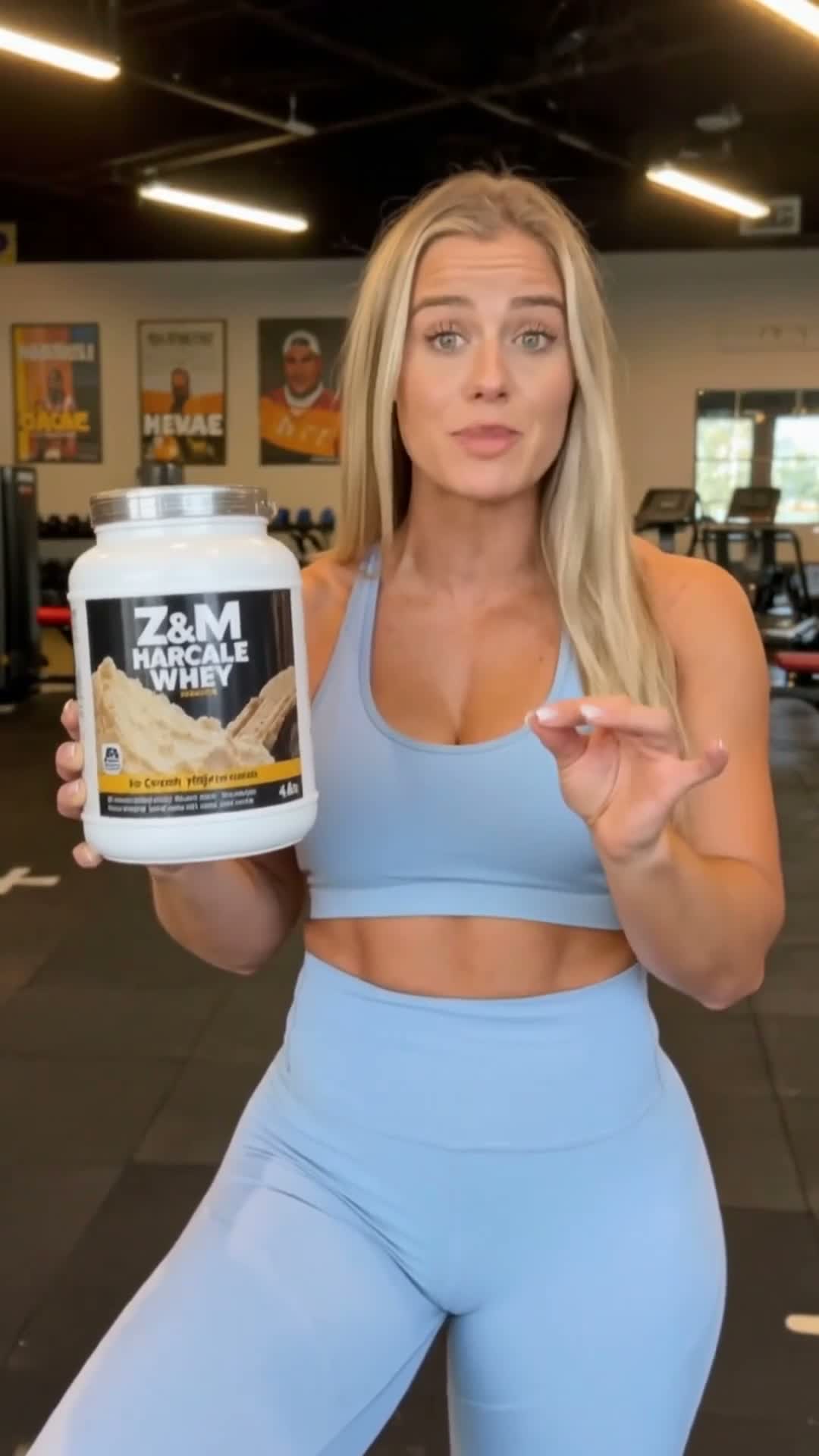
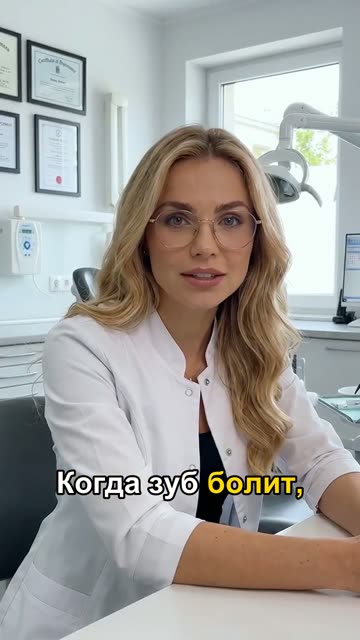
An AI employee is an AI avatar with your face or an invented one: speaks in your voice and is filmed wherever your business needs.
Plus your SMM agency in a chat: editing your videos, posts and a content plan →Tap an AI employee to see what they make
Send your own phone video — we edit it like a pro app. No software to learn: just say what you want.
Examples of our editing. Tap a video to turn the sound on.
No time to film, and an SMM specialist costs a fortune? Three steps, all in a chat.
A couple of lines in the chat: what you do and your name. No forms.
From a photo or a description. Your own voice or one from the library; your locations or generated ones.
Today, daily or weekly — your call. Download and post wherever you like.
It picks topics, style, music, accents and the plan. You just download.
In words: “bigger subtitles”, “no music”, “two videos a week”. No buttons, no software.
Tap the buttons — the video changes right away.
Quality
A clone of your voice from a 1–2 min recording, or a library voice.
Send a product photo — shown by your employee, a random person, or on its own.
How many and how often — one line in the chat. Change it any time.
Send your past videos — new ones keep the same pace and delivery.
Sign-up gift
Picture, caption and hashtags about your business. No payment, no card — just sign up.
No shoots, no editing, no SMM hire. Tell the chat what you need — get a finished vertical video or post to download.
No subscription: top up and pay only for what you order. The assistant quotes the price first.
We use a person's photo and voice only after you confirm in the chat that it's you or they agreed.
Your AI employee films only for you — other clients can't use it.
Write “delete my photos and voice” in the chat — the AI employee is removed at once, files are erased within 3 business days.
Anywhere: your channels, messengers, your site. You download the file and post it yourself — we don't need your logins.
If a video advertises a product, the law requires labelling. You or your SMM handle it when publishing — we make the video itself.
Yes. Send your photo and a clean 1–2 min voice recording — your AI employee will look and sound like you. Only your own, with consent.
From a few minutes to half an hour, depending on length. It appears in the chat on its own.
Say in the chat what to change — the assistant redoes the scene or text.
Soon — by QR code (SBP) right in your account. For now through a manager: ask in the chat. A receipt follows payment.
Yes. Send the video to the chat and say what you need. The finished video arrives in a couple of minutes.
Sign-up takes a minute. Everything else happens in the chat.
Services are provided by a self-employed individual (professional income tax). A receipt follows every payment.
Account required